How to get the most accurate AI meal scan
Lighting, angles and portion tips that help the AI read your plate correctly.
[Author name, credentials] · [Date] · Reviewed by [registered dietitian]
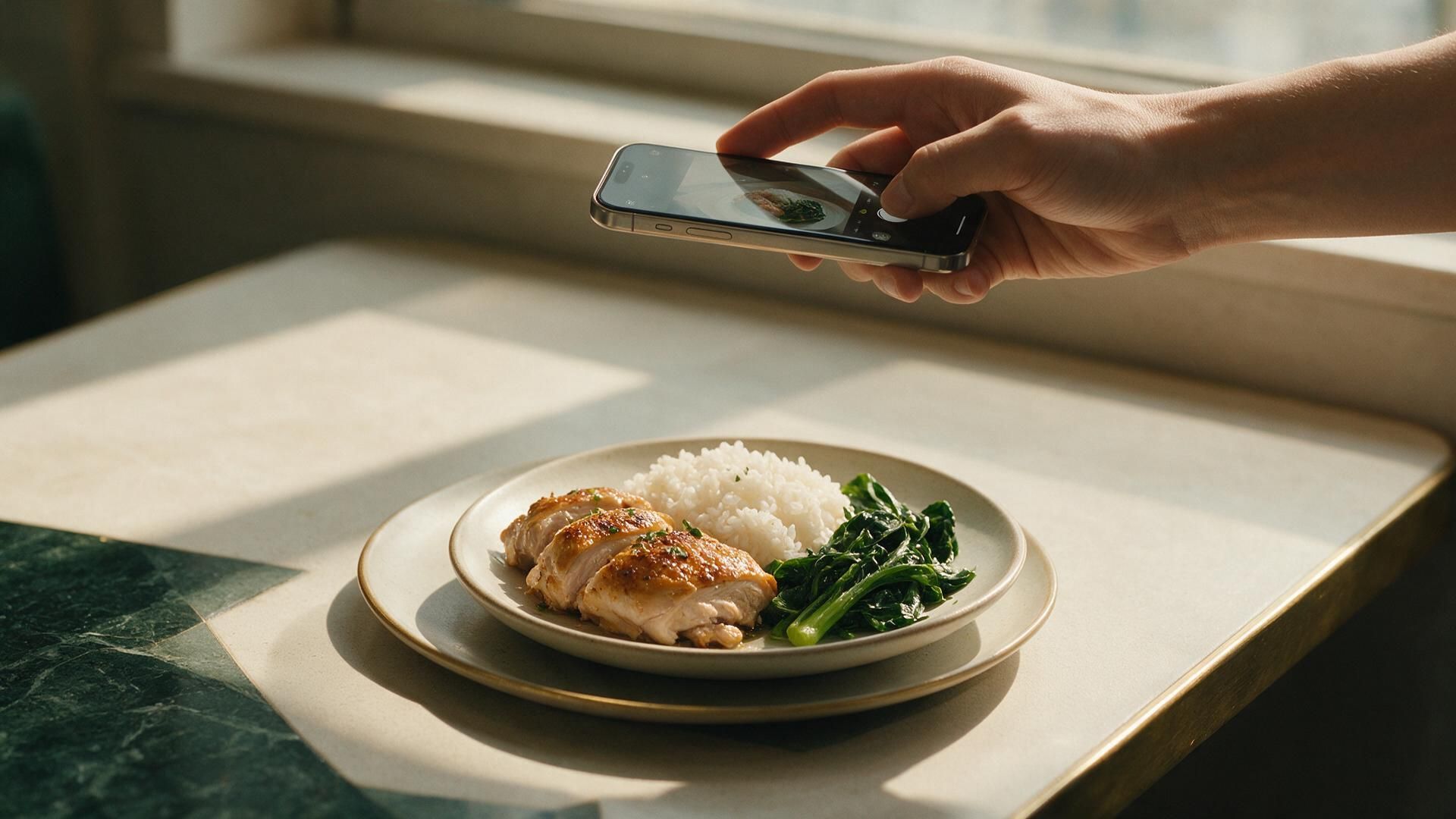
Nouri's photo scan recognises each food on your plate and estimates how much is there. It's quick and usually close, but a few simple habits make it noticeably more accurate.
1. Shoot from above, then add one angled photo
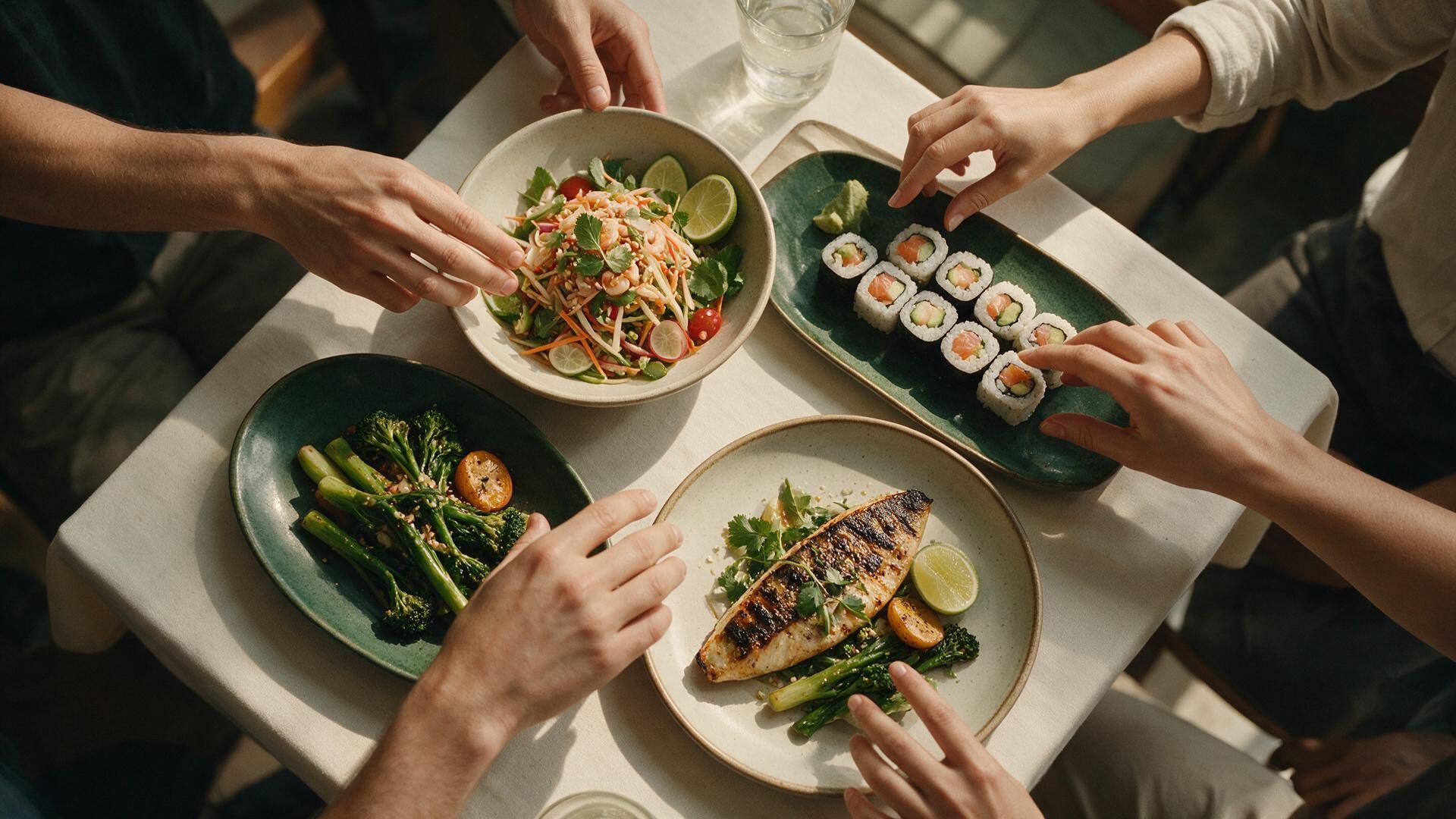
A top-down photo shows every item clearly. For tall foods (burgers, layered bowls, drinks), add a second photo from about 45° so the AI can judge height and depth.
2. Use good, even light
- Daylight near a window works best.
- Avoid strong shadows across the plate and very dim restaurants; turn on the flash only if the photo is otherwise dark.
- Wipe your camera lens. Greasy lenses blur edges between foods.
3. Keep the whole plate in frame
Fill most of the frame with the plate, but don't crop the edges. A fork, a hand or a standard-size plate in the photo gives the AI a sense of scale for portion size.
4. Tell it what it cannot see
Oil, butter, sugar in a drink and sauces underneath are invisible in photos, yet they can add hundreds of calories. After scanning, tap Adjust and add them, or say it out loud: "cooked in two tablespoons of oil".
If a number looks wrong, tap the item and change the portion. Nouri learns from your corrections, so your usual meals get more accurate over time.
5. Mixed dishes: name them
Curries, stews, soups and casseroles hide their ingredients. Choose the closest dish name in the results (for example "chicken green curry") or describe it by voice.
6. Repeat your usuals
Once you've logged a meal accurately, use Repeat for the same meal next time. It's faster than scanning and exactly as accurate as your first careful log.
General information, not medical advice. Check with a healthcare professional about your own situation.